
Resume templates for organized office support.
Show how you keep schedules, documents, and daily office work running smoothly. These layouts make your support responsibilities and practical improvements easy to find.
Recommended templates for administrative assistant resumes
Fictional resume examples for illustration. Names, employers, credentials, and results are sample content.
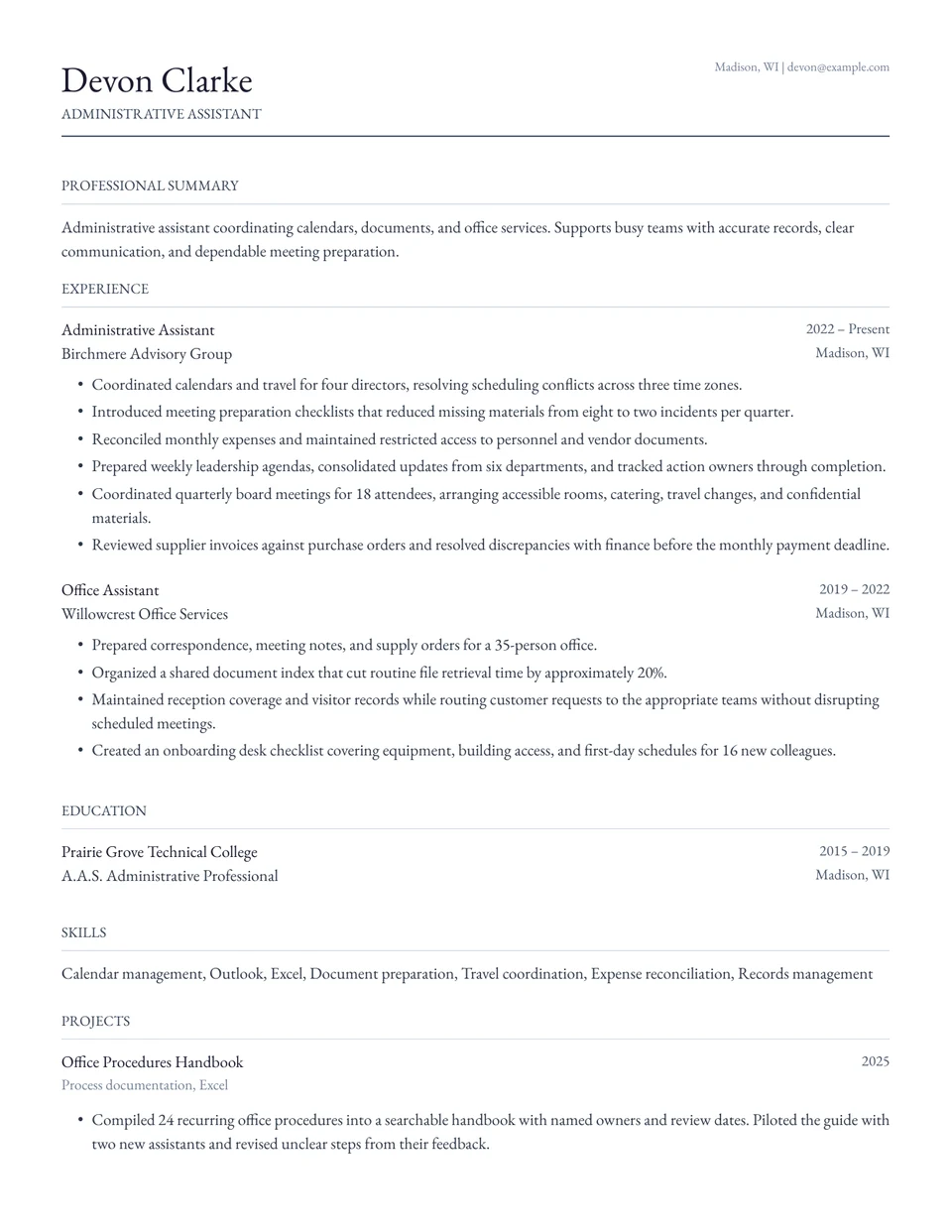
Classic
Timeless serif format that works for any industry at any career stage. Clean, readable, and universally accepted.
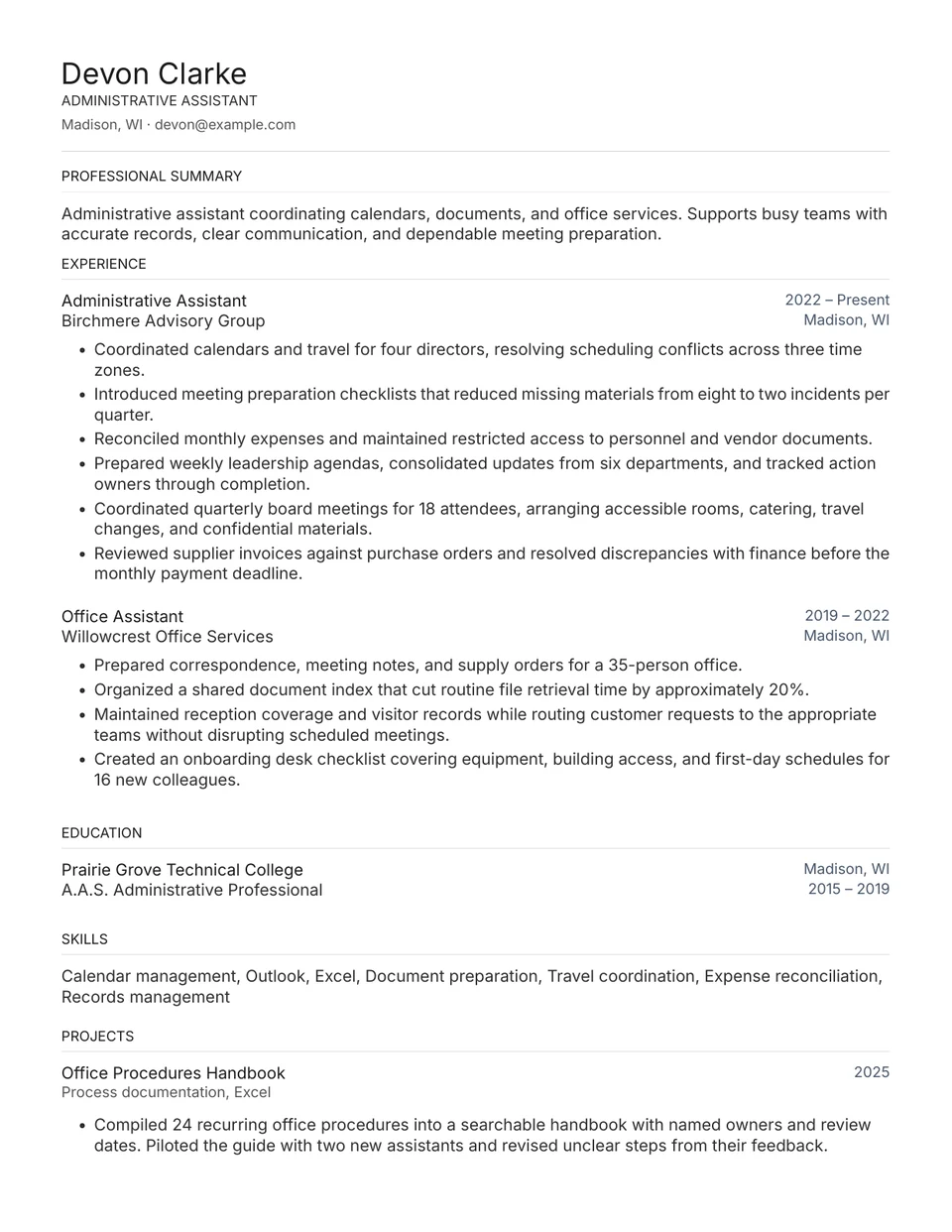
Cedar
Conservative single-column layout with zero color accents. Engineered for maximum parser compatibility.
Administrative Assistant resume tips that actually move the needle
01
Show who and what you supported
State the number of executives, teams, or office locations you supported. Explain whether you managed calendars, travel, meeting preparation, or reception so readers understand your responsibilities.
02
Make scheduling improvements concrete
Describe how you resolved conflicts, coordinated time zones, or improved meeting preparation. Use an accurate result, such as fewer booking errors or time saved, when you can substantiate it.
03
Name the tools you actually use
List relevant tools such as Outlook, Excel, Google Workspace, and expense systems. Connect them to work you performed rather than claiming expertise in every office application.
04
Demonstrate discretion through your work
Explain how you maintained access controls, checked documents, or handled sensitive scheduling requests. Do not include confidential names, financial details, or internal correspondence.
Templates for other roles
Build your administrative assistant resume now.
Paste a job description, see your fit, and export a tailored resume on any of these templates in minutes.
Get Started Free